🔄
🚀 Hackathons
Design System Comparison AI Tool (Figma Plugin Implementation)
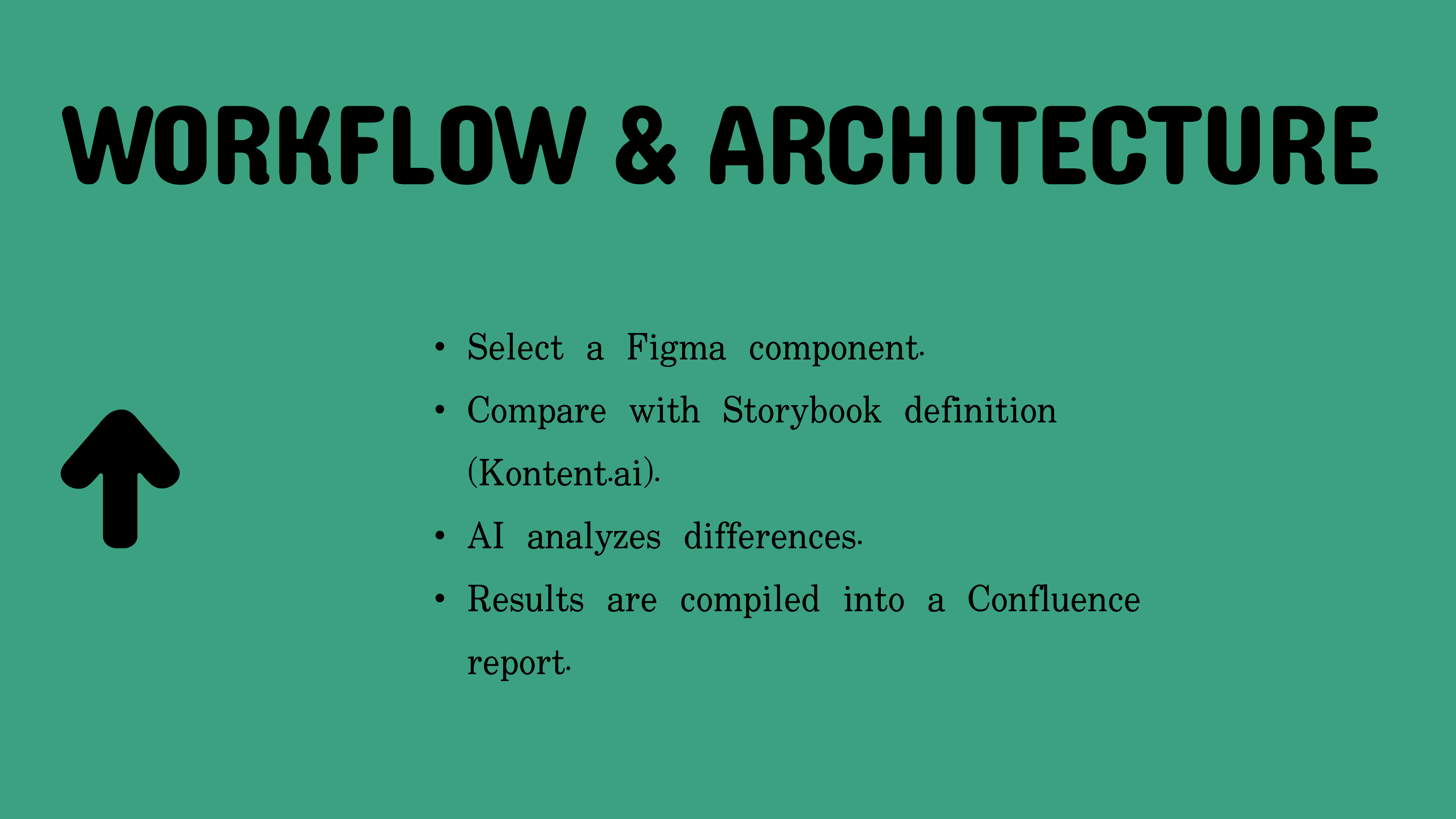
Kontent.ai
AI-powered Figma plugin that automatically compares design system components with documentation – reducing manual comparison time from hours to minutes.
🎯 Problem
Manual comparison challenges with design system discrepancies.
- Design systems have discrepancies between documentation (Kontent.ai) and implementation (Figma)
- Manual comparison takes 2-3 hours per component
- Missing features go unnoticed until production
- New team members struggle to understand what's actually available
🔄 Development Journey
Three-phase evolution from exploration to production-ready plugin.
- Phase 1: MCP Servers (Exploration) – Used Model Context Protocol servers for rapid API prototyping with Kontent.ai, Atlassian, and Figma. Validated that AI can effectively compare design systems semantically.
- Phase 2: CLI Script (Automation) – Node.js command-line tool with direct API calls. Successfully automated the comparison but required terminal knowledge – limiting adoption.
- Phase 3: Figma Plugin (Final Solution) – Native plugin working directly in Figma's interface with visual UI, making the tool accessible to non-technical designers.
🏗 Technical Architecture
Technology stack and integrations.
- Frontend: TypeScript Figma Plugin with custom HTML/CSS UI
- Backend: Vercel serverless functions (proxy for CORS)
- AI: Anthropic Claude API for semantic comparison
- APIs: Kontent.ai Management API, Atlassian Confluence API
✨ Key Features
Advanced capabilities for design system validation.
- Intelligent Comparison – Semantic matching recognizes that "showIcon" property = "Icon in headline" feature (not just exact string matching)
- Category Weighting – Design tokens: 30%, Structure: 20%, Optional elements: 40%, Behavioral properties: 10%
- Automated Reporting – Generates Confluence pages with coverage scores, gaps, and recommendations
- Visual Progress – Step-by-step feedback during analysis so users understand what's happening
🔧 Technical Challenges Solved
Key technical problems overcome during development.
- CORS restrictions → Vercel backend proxy
- Browser API limitations → Custom base64 encoding for Figma environment
- State management between plugin UI and code
- Secure API key storage via clientStorage
🌊 Impact
Time Savings: 2-3 hours → ~1 minute per component. AI catches semantic matches humans might miss. Automated reports for stakeholders. Run on every design update to catch drift early.