📦
📦 Other
Content Inventory Improvements
Kontent.ai
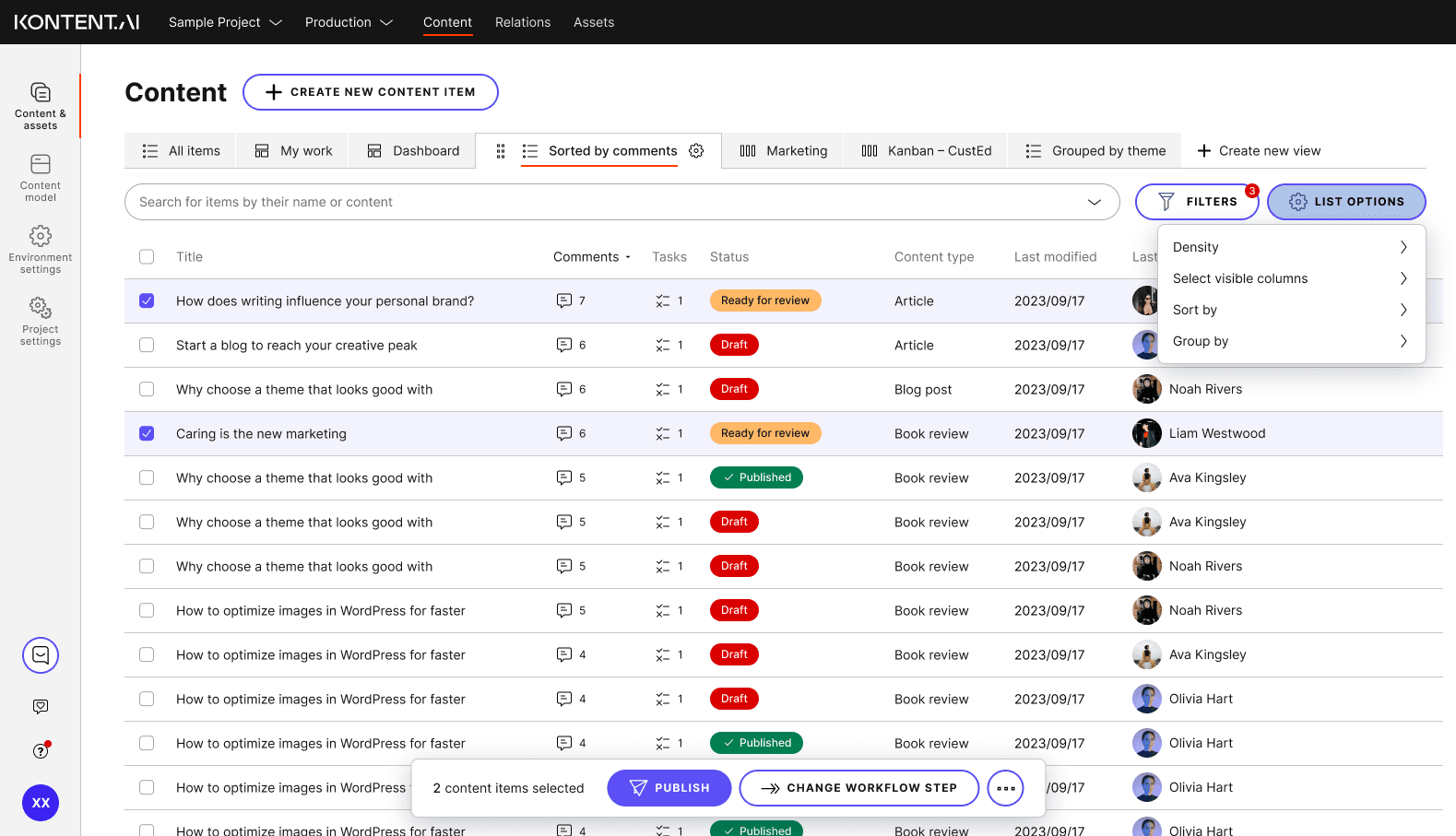
Comprehensive redesign of the content inventory screen to improve usability, flexibility, and content discovery – transforming how content teams navigate and manage large content libraries.
🎯 Problem
Current content inventory lacks flexibility and power for content teams managing large-scale content operations. Users struggle with rigid table layouts, limited filtering, and lack of saved views.
🔍 Research
Conducted internal research and secondary analysis of existing feedback to identify pain points with the current content inventory. Synthesized findings into actionable design concepts.
✨ Key Improvements Designed
Table Configuration
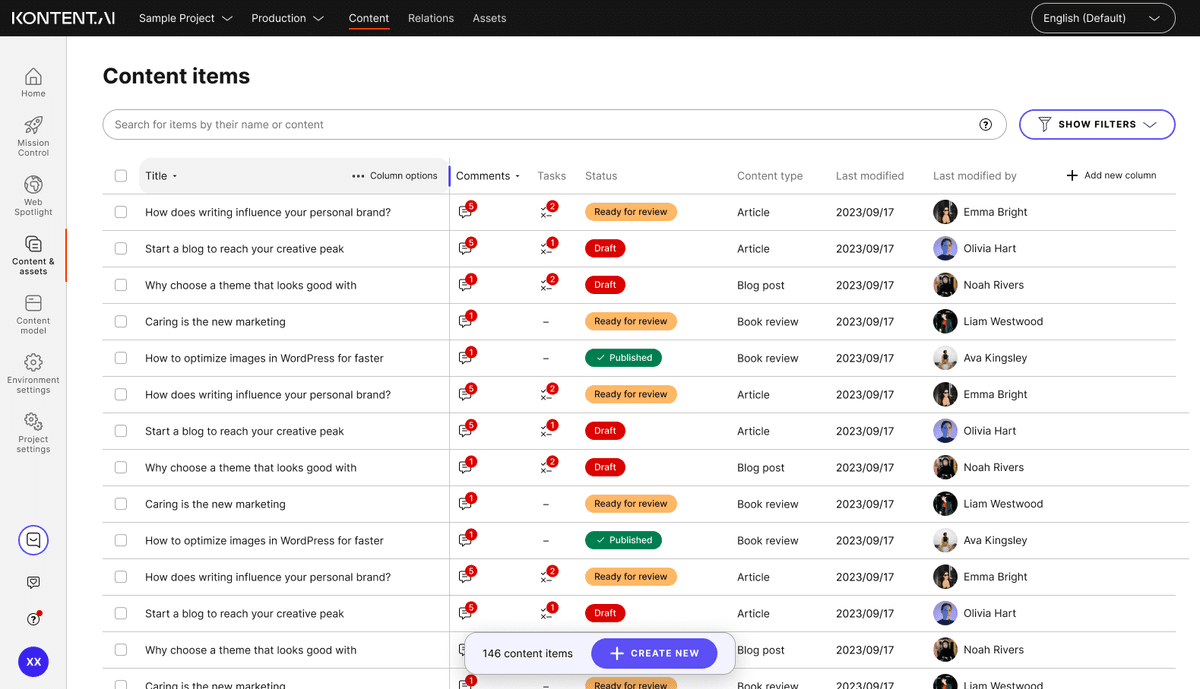
- Density options (condensed, regular, relaxed with content preview)
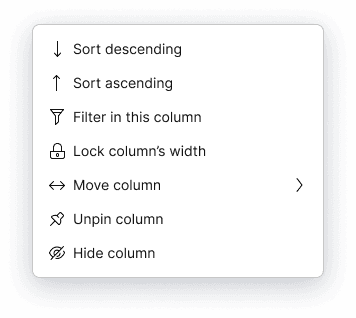
- Adjustable and fixable column widths
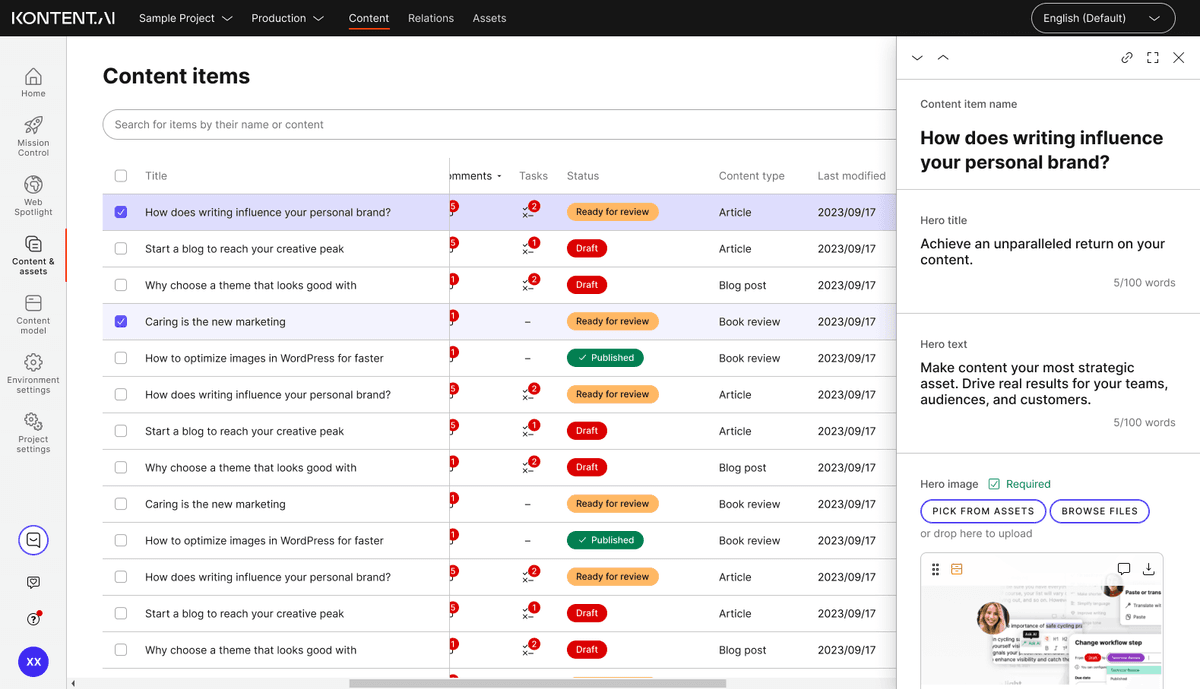
- Horizontal scrolling with pinned title column
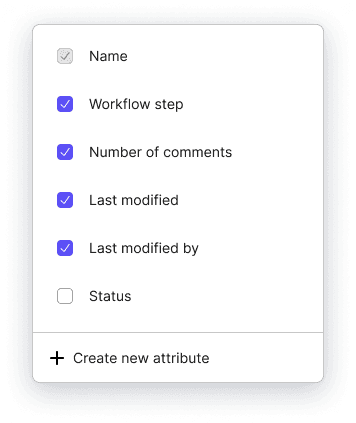
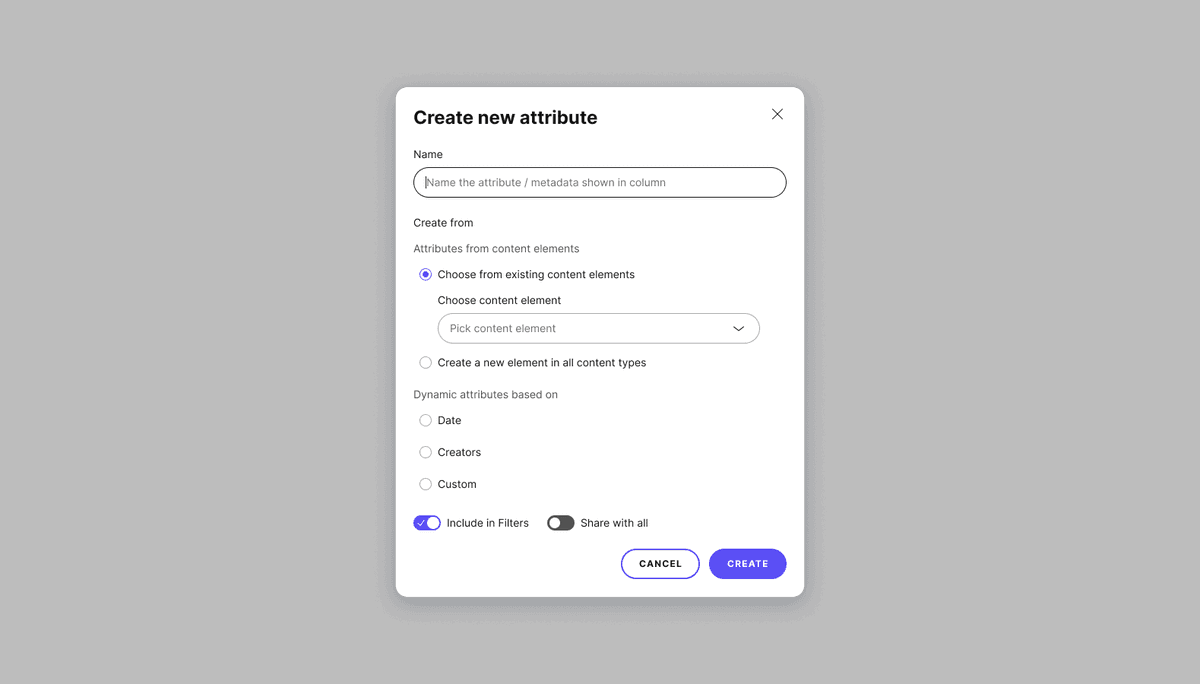
- Column reordering, adding/removing columns inline
- Custom columns support
- In-column search and multi-level sorting
- Group by attributes


Filters & Views
- Saveable views (filters, search, table configuration)
- Shareable views with teams or collections
- Views as tabs for quick switching
- Collapsible filters with visibility of applied filter count
- Custom filters support
- Language filter improvements
New View Types
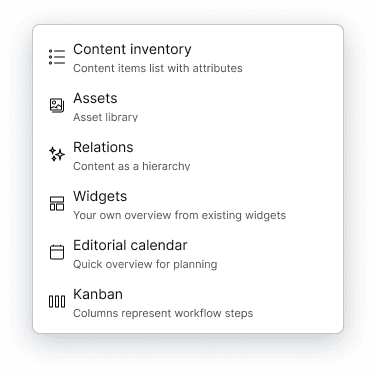
- Condensed list – more items visible
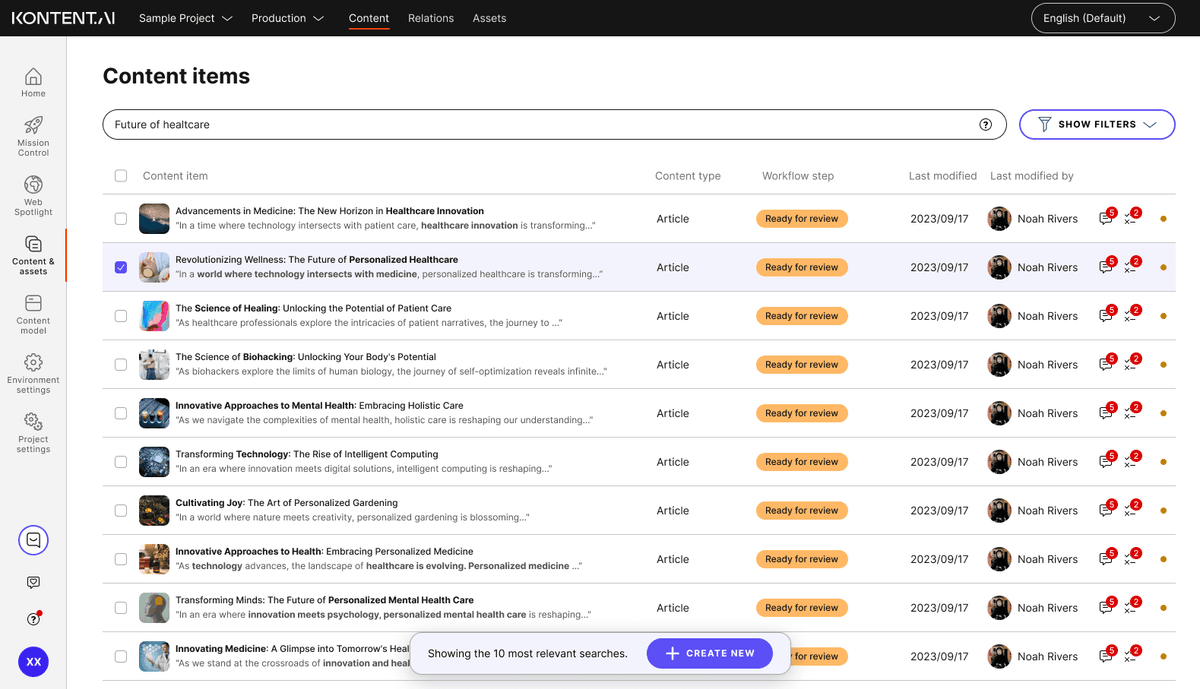
- Relaxed list – content preview with search highlighting
- Kanban view – drag & drop, bulk actions per column
- Hierarchical view – group by collections, spaces, members
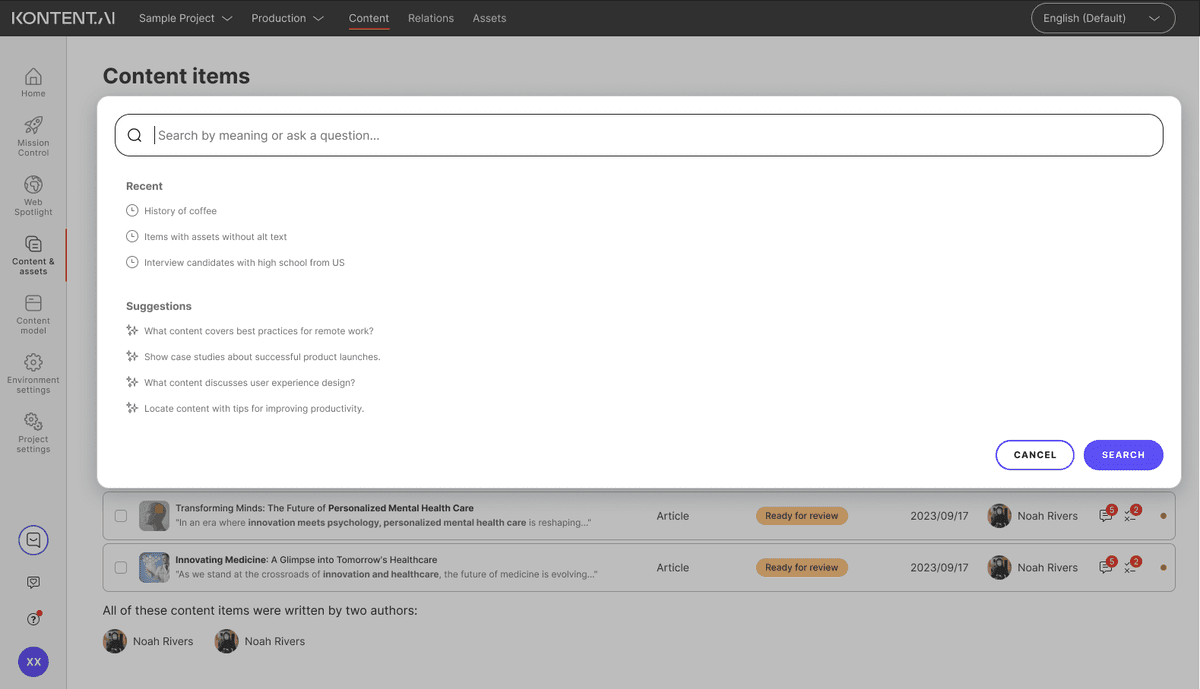
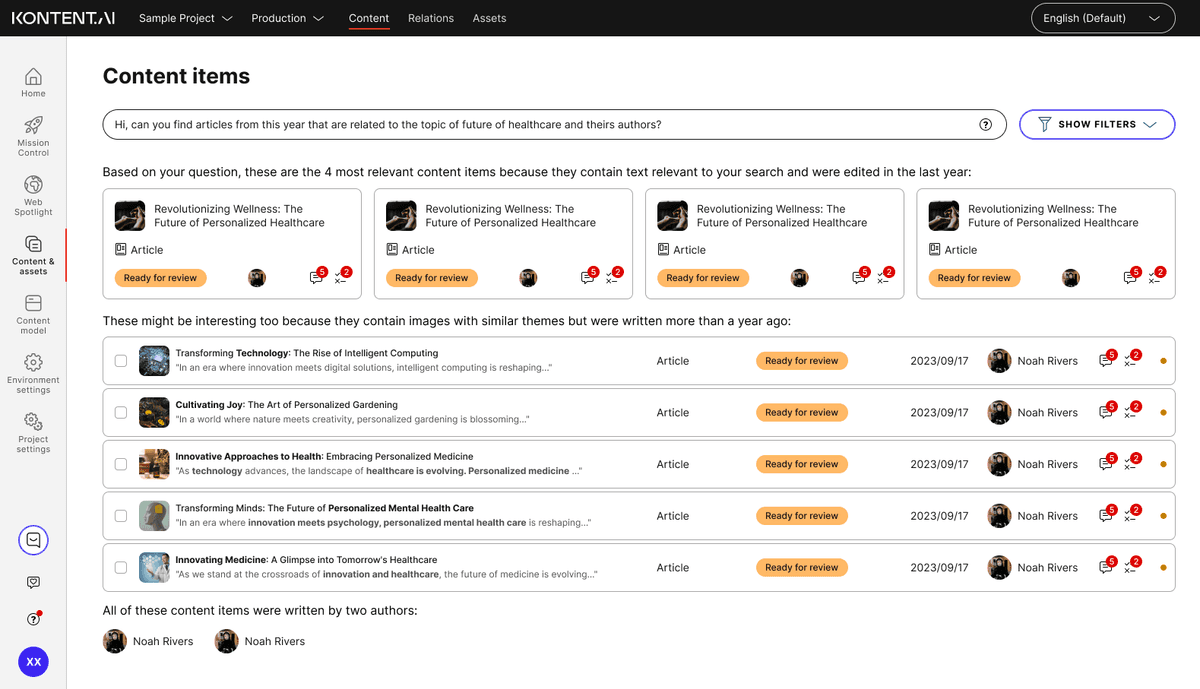
- AI search results – conversational, context-aware results

Other Improvements
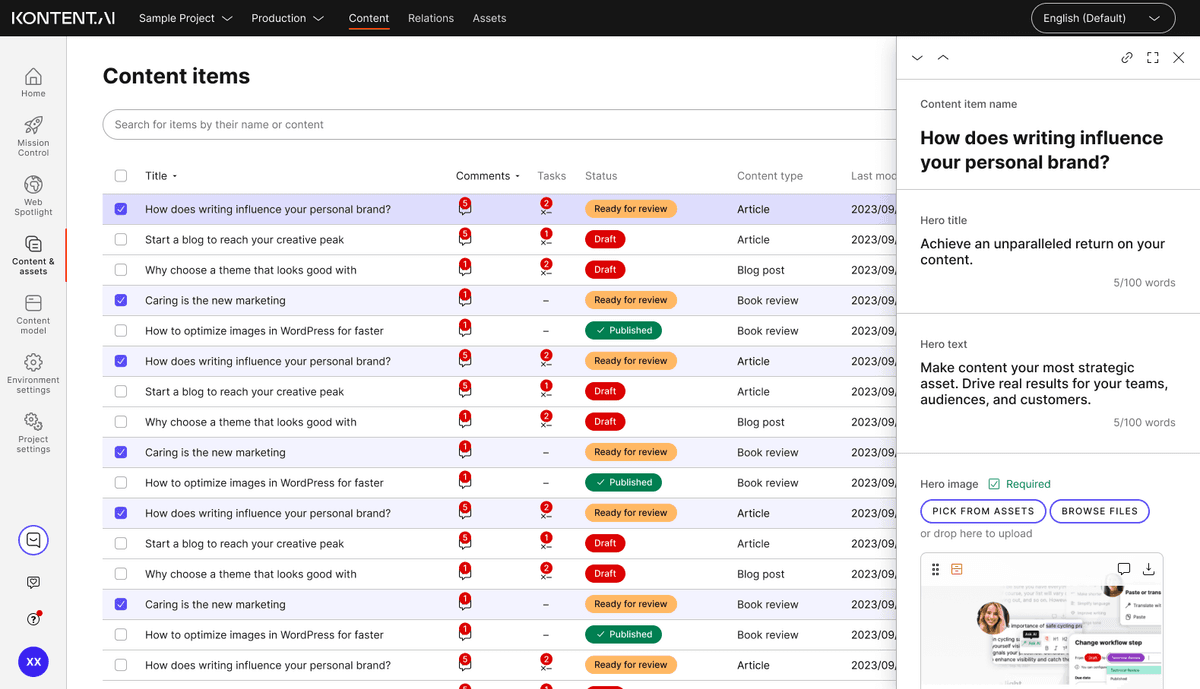
- Quick preview without full-screen open
- Inline metadata editing
- Bulk actions visible on selection
- Bulk reschedule publishing
- Search suggestions
- Exact item count and select all
📅 Process Timeline
Design process timeline.
- 12/2024: Internal research, secondary analysis, synthesis, first concepts
- 01-03/2025: Design iterations and feedback sessions